I started with NemoClaw — NVIDIA’s one-click deployment for OpenClaw, marketed as the easy way to get a self-hosted AI agent running with enterprise-grade security. Brev VM on GCP, Landlock filesystem policies, binary-level network allowlists. Four CPUs, 16 GB RAM, $130/month. After spending nearly 5 hours fighting read-only configs, broken binary allowlists, and silent 403 errors from a network proxy that couldn’t resolve GitHub redirects, I pivoted. Same framework, different platform: OpenClaw on DigitalOcean’s one-click Marketplace image. Two vCPUs, 4 GB RAM, $24/month. The problems followed me.
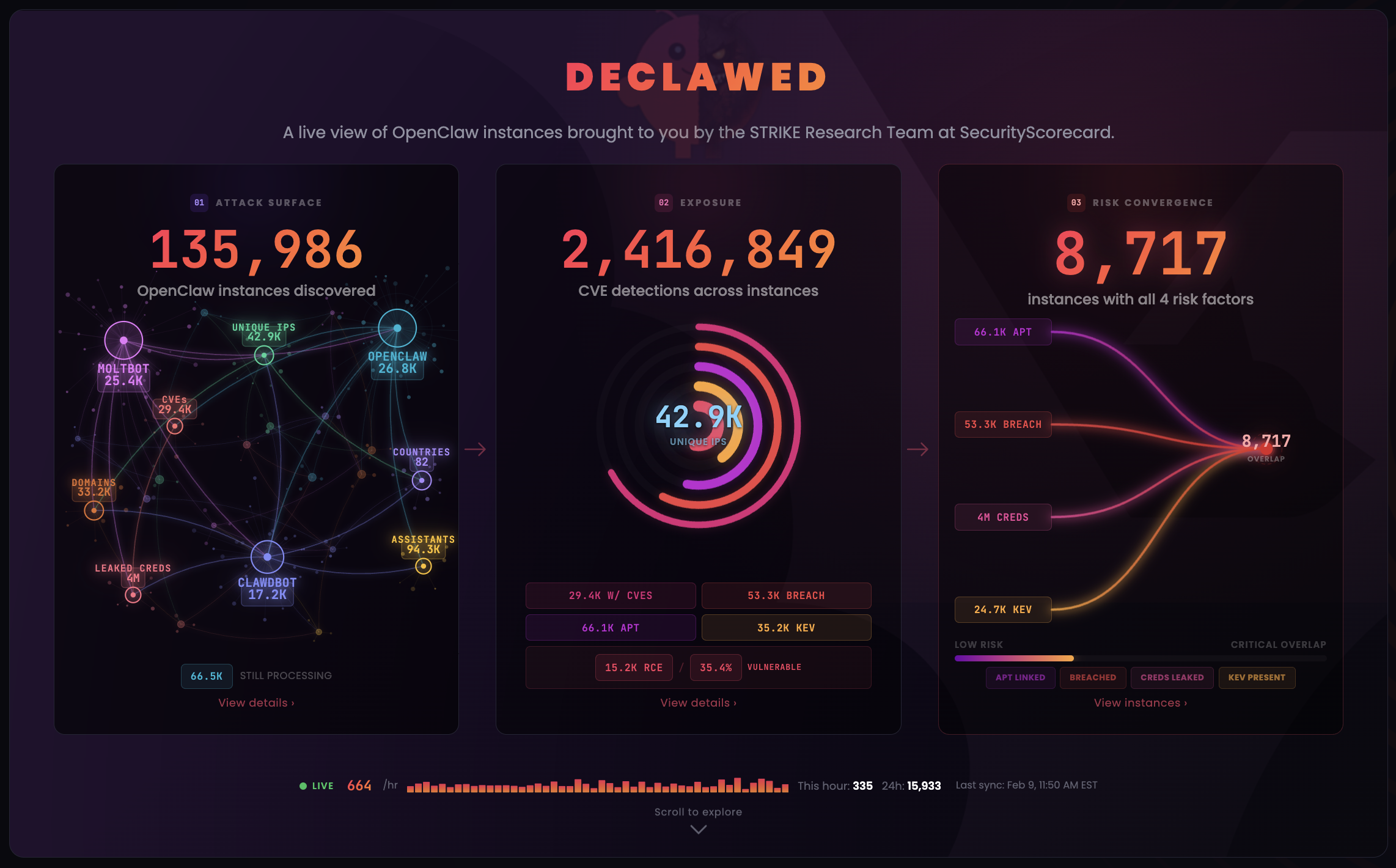
OpenClaw has 196,000+ GitHub stars and 600+ contributors as of March 2026. It’s a real AI agent framework — gateway architecture, 50+ messaging integrations, skill-based tool execution, Docker-sandboxed security. The question I wanted to answer: can you actually deploy this thing on a server and get a working AI agent? Both NemoClaw and DigitalOcean promise a quick path to a running instance. I tested both to see if either delivers.
NemoClaw: NVIDIA’s $130/Month Sandbox That Fought Me Every Step
NemoClaw wraps OpenClaw inside an OpenShell sandbox on GCP-backed Brev VMs. The security model is deny-by-default: Landlock filesystem policies, a network proxy with binary allowlists, and no outbound traffic unless explicitly permitted. In theory, this is exactly what you want for running AI agents in production. In practice, it broke almost everything OpenClaw needs to function.
The first wall: openclaw config set fails with EACCES because the config file is root-owned and read-only. You can’t change settings from inside the sandbox. The workaround is downloading the config to your host machine, editing it locally, and uploading it back. Every config change follows this loop. There’s no systemd either, so restarting the gateway means manually killing the process and relaunching it.
The second wall was worse — a binary allowlist trap. NemoClaw’s network policies list which binaries can make outbound requests. The defaults list openclaw and npm as allowed, but both actually run through the node binary. Since /usr/local/bin/node isn’t in the allowlist, every network call fails with a silent 403. No error message, no log entry, just nothing happens. Then there’s the redirect domain trap: downloading from GitHub releases redirects to objects.githubusercontent.com, which is a separate domain the proxy evaluates independently. Having github.com in your policy doesn’t cover the CDN redirect.
After nearly 5 hours, I had the same 4 out of 51 skills working that I’d started with. The UI install buttons were broken (read-only filesystem), apt install was broken (no apt binary in the sandbox), npm install -g was broken (read-only /usr/local/lib/node_modules/). The security model was doing its job — but it was also preventing OpenClaw from doing its job.
The Pivot: OpenClaw on DigitalOcean’s One-Click Image
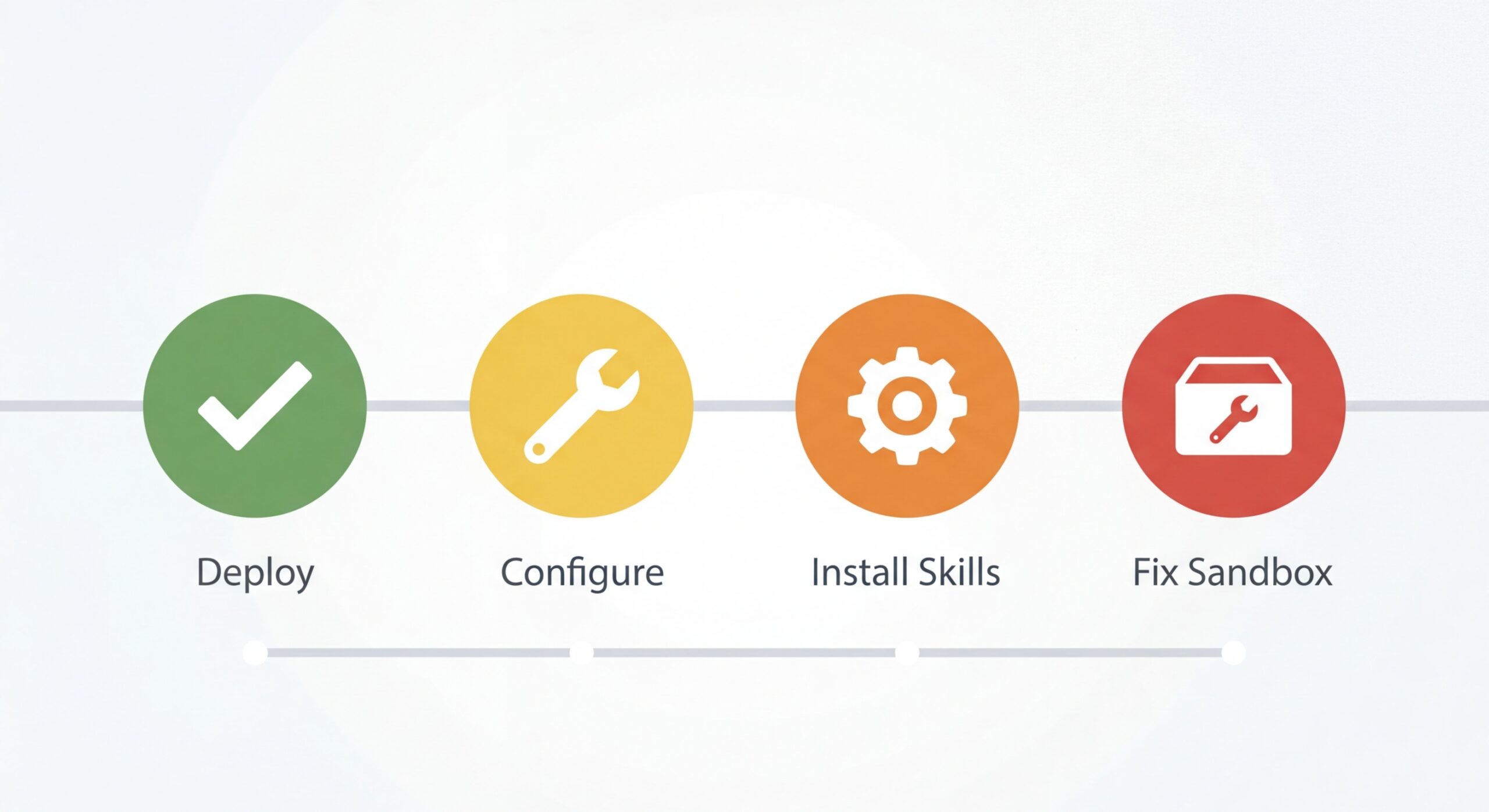
DigitalOcean’s approach is the opposite of NemoClaw — minimal security scaffolding, maximum flexibility. The one-click Marketplace image spins up a droplet in 2 minutes. Then SSH goes dark for another 2-3 minutes while a setup script installs Docker and creates the openclaw user. An interactive wizard prompts for your LLM provider and API key.
The wizard has a critical flaw: it’s hooked into .bashrc, so it reruns on every SSH login. If you Ctrl+C out partway through, it’ll overwrite your Slack tokens, Docker config, and execution policies on the next login without warning. This happened to me twice. Run sed -i '/setup_wizard/d' /root/.bashrc immediately after first setup — this is the single most important command for any DigitalOcean OpenClaw deployment.
Out of the box, the agent can only chat. It can’t execute commands or use tools. Three execution policies buried in the FAQ docs are required to make it functional: tools.exec.host gateway, tools.exec.ask off, and tools.exec.security full. Without these, every tool call hangs waiting for manual approval that nobody is there to give on a headless server.
Same OpenClaw, Same Problems on Both Platforms
Here’s what caught me off guard: the core issues were identical on NemoClaw and DigitalOcean. Both platforms exposed the same fundamental tension — OpenClaw was built for macOS, and every non-Mac deployment inherits that DNA.
The skill ecosystem assumes Homebrew. Out of 51 bundled skills, only 4 worked on first check on both platforms. On DigitalOcean I got 17 working through manual apt, npm, and pip installs plus copying binaries to /usr/local/bin/. Seven skills are macOS-only forever (Apple Notes, iMessage, etc.). Five more depend on Homebrew taps with no Linux binaries. The dashboard UI admin buttons are dead on both — they assume the running user has root-level install permissions.
The sandbox ships empty on both platforms. After installing dependencies on the host, I asked the DigitalOcean agent to check the weather through Slack: curl: not found, node: not found, python3: not found. The Docker sandbox container is a minimal Debian image with nothing installed. I built a custom image with tools baked in, but even then, the sandbox blocked API keys from environment variables as a security measure. The fix: set sandbox.mode to non-main, which runs the primary agent on the host while sandboxing sub-agents and automated tasks.
NemoClaw vs DigitalOcean: Which OpenClaw Deploy Is Worth It?
Once I got DigitalOcean’s version working (~3 hours vs NemoClaw’s 5+ hours with less to show for it), the agent was genuinely impressive. The Slack bot refused to edit shared skill files from an unverified message. Model fallback from GPT-5.2 to GPT-5.4 happened transparently. Image generation, GitHub operations, and session logs all worked. The framework underneath deserves its 196k stars.
The cost and flexibility gap is stark:
- NemoClaw: ~$130/month, mandatory sandbox, deny-by-default networking, 4-6 hours setup, config editing requires file transfer roundtrips, stronger isolation for multi-tenant deployments
- DigitalOcean: $24/month, optional sandbox, open outbound by default, 3 hours setup, direct CLI/config access, better for single-user and testing
For a single-user setup or client evaluation, DigitalOcean wins on practicality. For a multi-tenant deployment where you genuinely don’t trust the agents running inside, NemoClaw’s mandatory Landlock sandbox is the right call — if you’re prepared for the policy configuration grind. Either way, budget real time for manual setup. Neither platform delivers a turnkey experience.
FAQ
What is NemoClaw and how does it relate to OpenClaw?
NemoClaw is NVIDIA’s security-hardened wrapper around OpenClaw, running on Brev VMs with Landlock filesystem policies and network-level binary allowlists. It adds a mandatory sandbox layer on top of OpenClaw’s existing Docker isolation, targeting production deployments that need stronger containment.
Is OpenClaw on DigitalOcean actually one-click to deploy?
The droplet creation is one-click, but getting a functional AI agent requires 3+ hours of SSH configuration. You need to set execution policies, install skill dependencies, and build a custom Docker sandbox image before the agent can do anything beyond chat.
How much does it cost to run OpenClaw — NemoClaw vs DigitalOcean?
DigitalOcean runs $24/month for a 4GB RAM droplet. NemoClaw runs approximately $130/month on a Brev VM with 4 CPUs and 16 GB RAM. Both require additional LLM provider costs (OpenAI, Anthropic, etc.) based on usage.